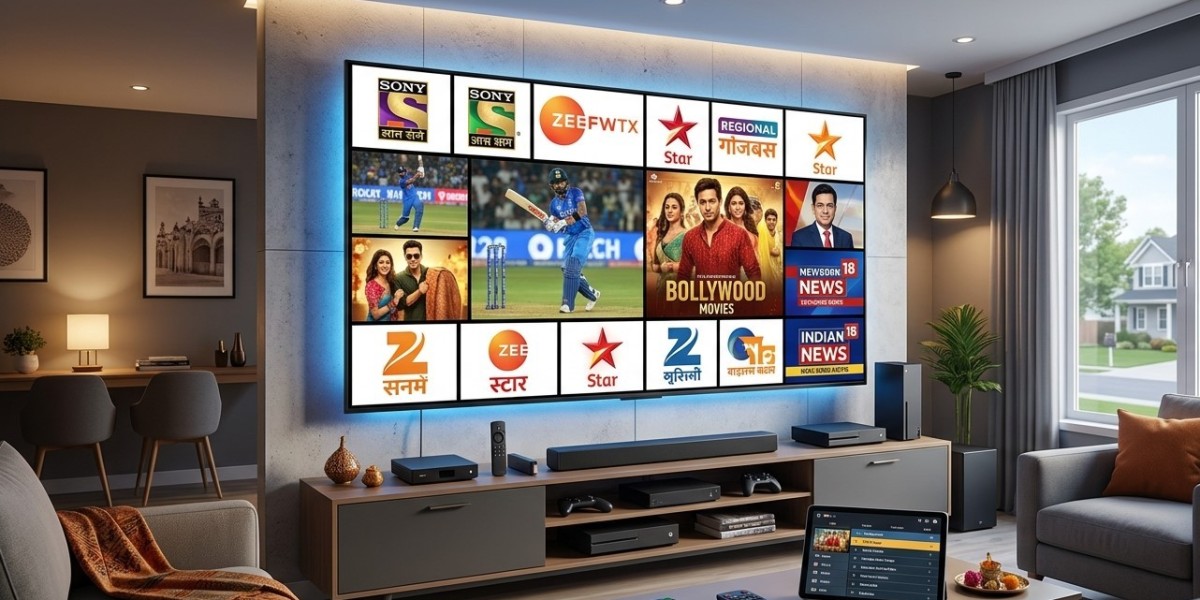

Creating a comfortable, reliable way to enjoy Indian television in the USA takes a bit more thought than just picking a subscription. From your internet connection to your streaming device, TV, and audio setup, each piece plays a role in the final experience. In this guide, we'll walk through how to build a complete home entertainment setup centered around IPTV India , anchored by a reliable Indian IPTV Box.
Table of Contents
- Start with a Strong Internet Foundation
- Choosing the Right Streaming Device
- Picking a Suitable TV
- Improving Audio for a Better Experience
- Network Setup for Reliable Streaming
- Organizing Your Channels and Content
- Setting Up for the Whole Family
- Putting It All Together: A Sample Setup
- FAQs
Start with a Strong Internet Foundation
Every part of your entertainment setup depends on your internet connection, so it's worth getting this right first.
- Aim for at least 25-50 Mbps if your household streams on multiple devices, even though a single HD stream only needs 10-15 Mbps
- Choose a plan without strict data caps , if possible, since regular HD or 4K streaming adds up quickly
- Consider a wired connection from your modem to your main streaming device for the most stable performance
- Test your speed periodically , especially before major live events like cricket matches or festival broadcasts
A solid internet foundation prevents most of the common frustrations people associate with streaming.
Choosing the Right Streaming Device
Your device is the heart of the setup, and there are a few solid paths depending on your priorities:
- A dedicated Indian IPTV Box – Often pre-configured for Indian content, making it the simplest choice for a dedicated Indian TV setup
- A Smart TV with built-in apps – Works well if your TV already supports a compatible IPTV app, avoiding extra hardware
- A Firestick or similar streaming stick – An affordable, flexible option, especially if you also want access to mainstream apps like Netflix
- A backup device, such as a phone or tablet, for casual viewing or as a fallback if your main device has issues
For most households building a setup specifically around Indian television, a dedicated box tends to offer the smoothest, most hassle-free experience.
Picking a Suitable TV
If you're also considering a new television as part of this setup:
- Choose a Smart TV if you want the flexibility to run apps directly, even if you also plan to use a separate box
- Consider screen size relative to your room, since larger screens make lower-quality streams more noticeable
- 4K isn't essential for live TV, since much of it is still broadcast in HD, though it's a nice bonus for movies and on-demand content
- Check HDMI port availability, especially if you plan to connect multiple devices, such as a gaming console alongside your IPTV box
Improving Audio for a Better Experience
TV speakers are often an afterthought in the design of the television itself, so upgrading audio can make a noticeable difference:
- A soundbar is an easy, space-friendly upgrade for clearer dialogue and fuller sound
- Consider audio quality for devotional and cultural programming, where music and vocals benefit from richer sound
- Check for audio sync settings on your TV if you notice any delay after upgrading your speaker setup
Network Setup for Reliable Streaming
Beyond your basic internet plan, your home network setup matters:
- Position your router centrally, minimizing walls and distance between it and your main streaming device
- Consider a mesh Wi-Fi system if your home has dead zones or multiple floors
- Use a wired Ethernet connection for your main Indian IPTV Box whenever possible
- Enable QoS settings, if your router supports them, to prioritize streaming traffic during busy periods
- Keep your router firmware updated for the best performance and security
Organizing Your Channels and Content
Once your hardware is in place, a little organization goes a long way:
- Create a favorites list with your most-watched news, entertainment, and devotional channels
- Group regional language channels together, if your household follows more than one
- Set up parental controls if children will be using the same setup
- Explore your provider's on-demand and catch-up features , especially useful given the time difference with India
Setting Up for the Whole Family
A shared entertainment setup works best when it considers everyone's preferences:
- Involve family members in choosing which channels to prioritize
- Consider a secondary device for a bedroom or study, so viewing preferences don't have to compete on one TV
- Balance live TV with on-demand options , giving flexibility for different schedules
- Introduce younger family members to cultural and devotional programming as part of shared viewing time
Putting It All Together: A Sample Setup
Here's what a well-rounded setup might look like in practice:
- Internet plan : 100 Mbps or higher, wired connection to the main TV
- Primary device : A dedicated Indian IPTV Box connected via Ethernet
- TV : A mid-size to large Smart TV with HD or 4K support
- Audio : A basic soundbar for clearer dialogue and music
- Network : A dual-band or mesh router, with QoS enabled for streaming priority
- Backup : A mobile app on a phone or tablet for occasional or on-the-go viewing.
This kind of setup balances reliability, picture and sound quality, and flexibility without requiring an excessive budget.
FAQs
1. Do I need a 4K TV for the best Indian IPTV experience?
Not necessarily, since most live TV is still broadcast in HD. A 4K TV is a nice bonus for movies and on-demand content if your provider offers it.
2. Is a dedicated Indian IPTV Box better than using a Smart TV app?
It depends on your TV's app support, but a dedicated box often offers a smoother, more optimized experience specifically for Indian content.
3. How much internet speed do I need for a whole-household setup?
For multiple simultaneous streams, 25-50 Mbps or more is generally recommended, though a single HD stream only needs 10-15 Mbps.
4. Is upgrading my audio really necessary for TV viewing?
It's optional, but a soundbar can noticeably improve dialogue clarity and overall enjoyment, especially for music and devotional programming.
5. Should I set up a backup streaming device?
It's a good idea, since having a phone or tablet ready as a backup ensures you're never completely without access if your main device has an issue.
Build Your Perfect Indian TV Setup Today
With the right combination of internet, devices, and a little organization, you can create a home entertainment setup that brings the best of Indian television into your living room. Pair a reliable IPTV India subscription with a dependable Indian IPTV Box and start building your ideal setup. Explore our IPTV plans today and bring home the entertainment you've been missing.